

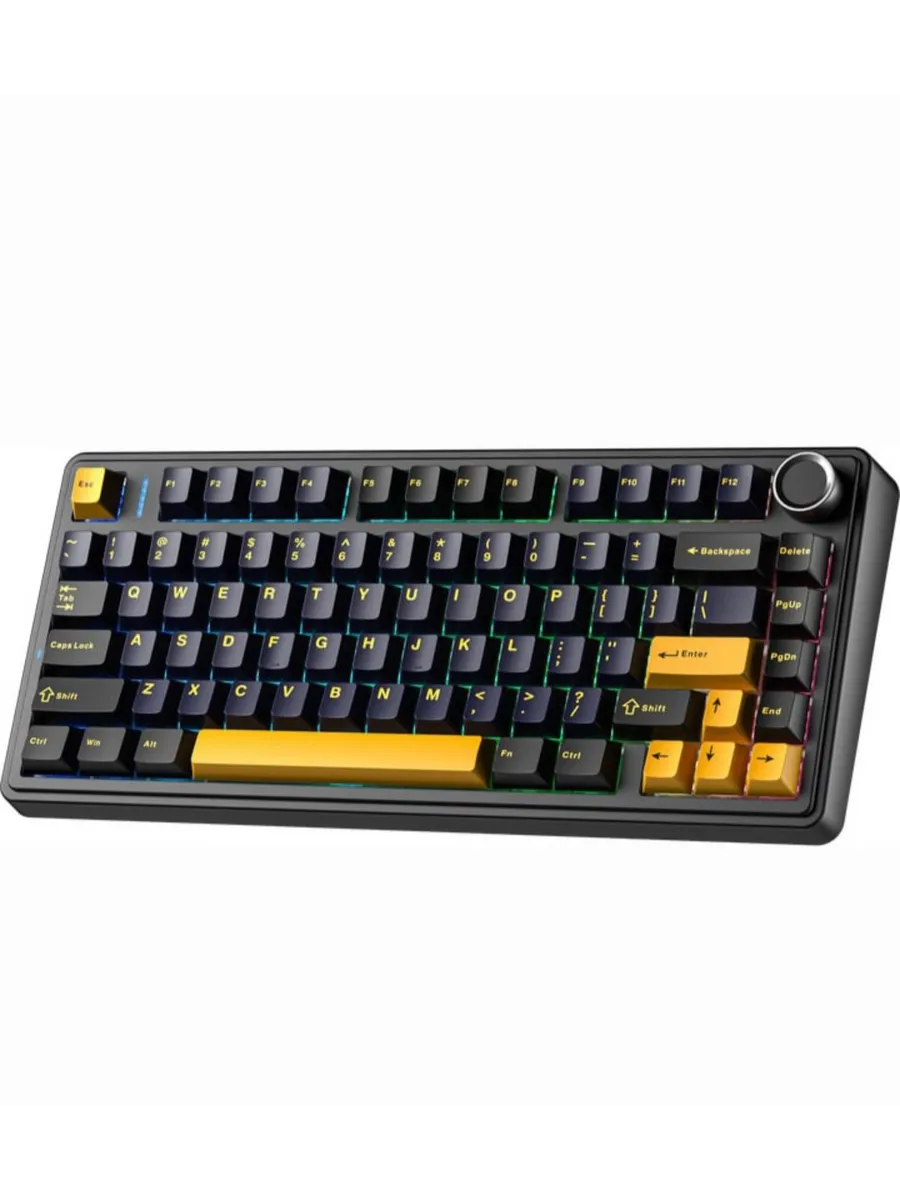
Proper upkeep of your keyboard can significantly extend its lifespan and maintain peak performance. Wireless Mechanical Keyboard Maintenance and Care Tips are essential for keeping your device clean, responsive, and reliable over time.
Whether you use your keyboard for gaming, work, or casual typing, following the right maintenance routine helps prevent issues like key sticking, battery drain, and connectivity problems. In this guide, we’ll explore practical ways to care for your device and ensure it stays in top condition.
Why Maintenance Matters for Wireless Mechanical Keyboards
A wireless mechanical keyboard combines the tactile satisfaction of mechanical switches with the convenience of wireless connectivity. However, this also means it requires a bit more attention than standard keyboards.
Dust, oil from fingers, and debris can accumulate between keys, affecting performance. Regular upkeep ensures smoother keystrokes and reduces long-term wear on switches and stabilizers.
Wireless Mechanical Keyboard Maintenance and Care Tips: Daily Cleaning Routine
Following Wireless Mechanical Keyboard Maintenance and Care Tips on a daily basis can dramatically improve your typing experience. Start by wiping the surface with a soft microfiber cloth to remove dust and fingerprints. Avoid using harsh chemicals, as they can damage keycaps or the keyboard coating.
Turn the keyboard upside down and gently shake it to remove loose debris. For deeper cleaning, use a soft brush or compressed air to reach between keys. Keeping your workspace clean also reduces the amount of dust that settles on your keyboard.
Battery and Connectivity Care
Since these keyboards rely on wireless technology, battery health and stable connectivity are crucial. Charge your keyboard before it fully drains to maintain battery longevity. If your keyboard uses replaceable batteries, keep spares on hand.
To maintain a strong connection, avoid placing your keyboard too far from its receiver or Bluetooth source. Interference from other devices can sometimes affect performance, so keeping your setup organized helps ensure stability.
Keycap and Switch Maintenance
Keycaps can become shiny or worn over time due to frequent use. Removing and cleaning them periodically helps preserve their original feel. Use a keycap puller for safe removal and clean them with warm water and mild soap.
Switch maintenance is equally important. While most mechanical switches are durable, occasional cleaning ensures consistent responsiveness and reduces the risk of dust-related issues.
Storage and Long-Term Care
If you’re not using your keyboard for an extended period, store it in a dust-free environment. Turn it off to conserve battery life and avoid unnecessary drain. A protective cover can also help prevent dust buildup.
Avoid exposing your keyboard to extreme temperatures or humidity, as these conditions can damage internal components and affect wireless performance.
Final Thoughts
Consistent care ensures your keyboard remains reliable and enjoyable to use for years. Following Wireless Mechanical Keyboard Maintenance and Care Tips will help you maintain performance, comfort, and durability while protecting your investment in the long run.
